This section of the Knock In assistant main menu drawer allows you to configure the way the Knock In assistant manages your notifications.
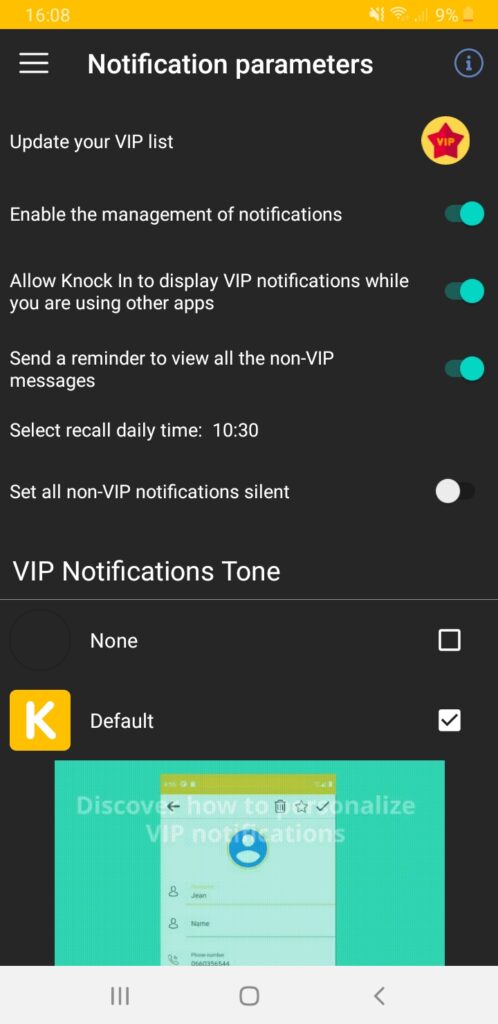
- The Knock In assistant notification service is enabled at the first start of the application. You can temporarily disable it.
- L’affichage spécifique des notifications VIP est activé au premier démarrage de l’application. Vous pouvez désactiver temporairement cet affichage. Dans ce cas, les notifications concernées continuent à être enregistrées et sont visibles dans l’historique des notifications de l’assistant Knock In.
- The Knock In assistant offers the option of sending you a daily reminder, for viewing all the non VIP notifications received. You can specify the time when you want the reminder to be sent.
- Vous pouvez choisir la sonnerie des notifications VIP. Par défaut, 2 sonneries sont disponibles. Vous pouvez acheter à la boutique des « packs » de sonneries, pour personnaliser davantage vos notifications VIP !