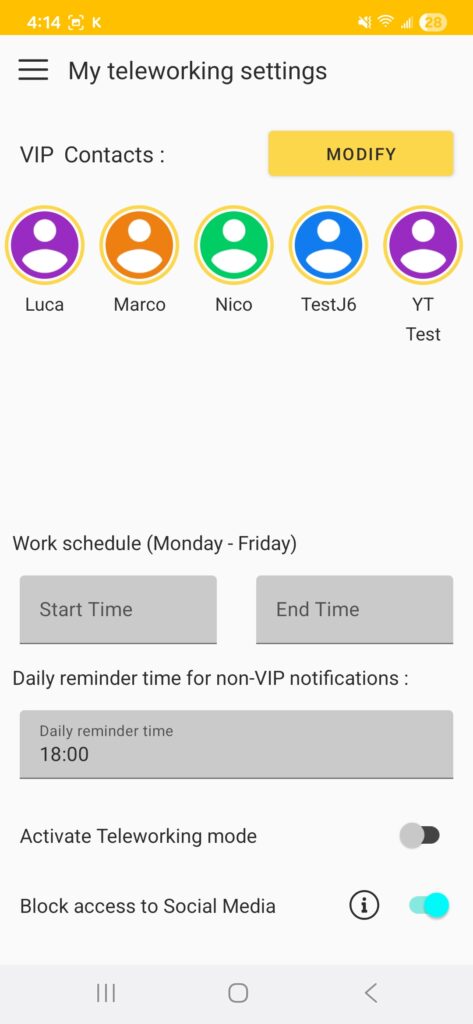
Knock In VIP Messenger uses the Accessibility service to block access to social networks. The application uses accessibility features to detect when a social networking application is opened and displays a blocking screen. No personal data is collected and no content is read.
The service can be activated during the installation process or later. If you selected “LATER” during installation:
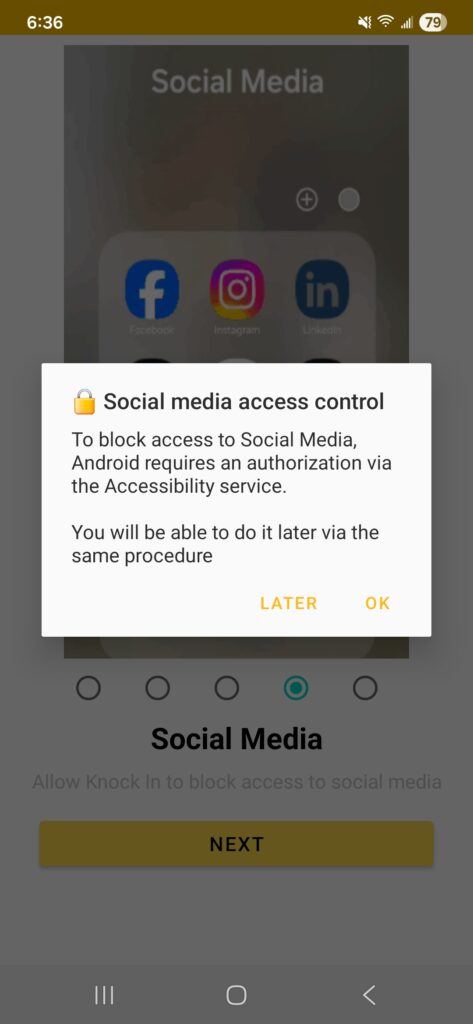
1️⃣ Open Android Settings
- Go to Accessibility (depending on the Android version, Accessibility can be accessed either directly from the main Settings menu or from the System submenu)
- Click to Installed apps
- Select Knock In
- Activate Knock In
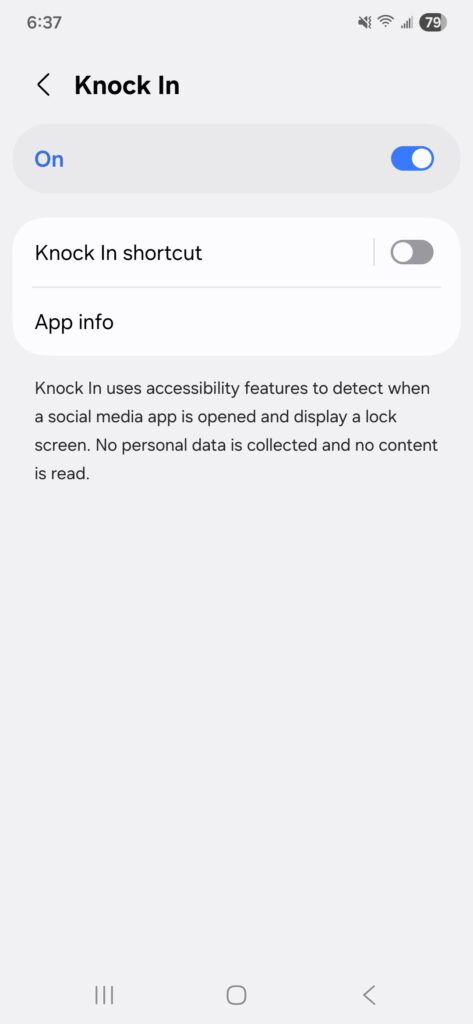
- Exit from Settings
✅ Knock In is now authorized to use the Accessibility.
2️⃣ Go back to Knock In VIP Messenger
Blocking access to social networks is now possible via the Teleworking screen switch.